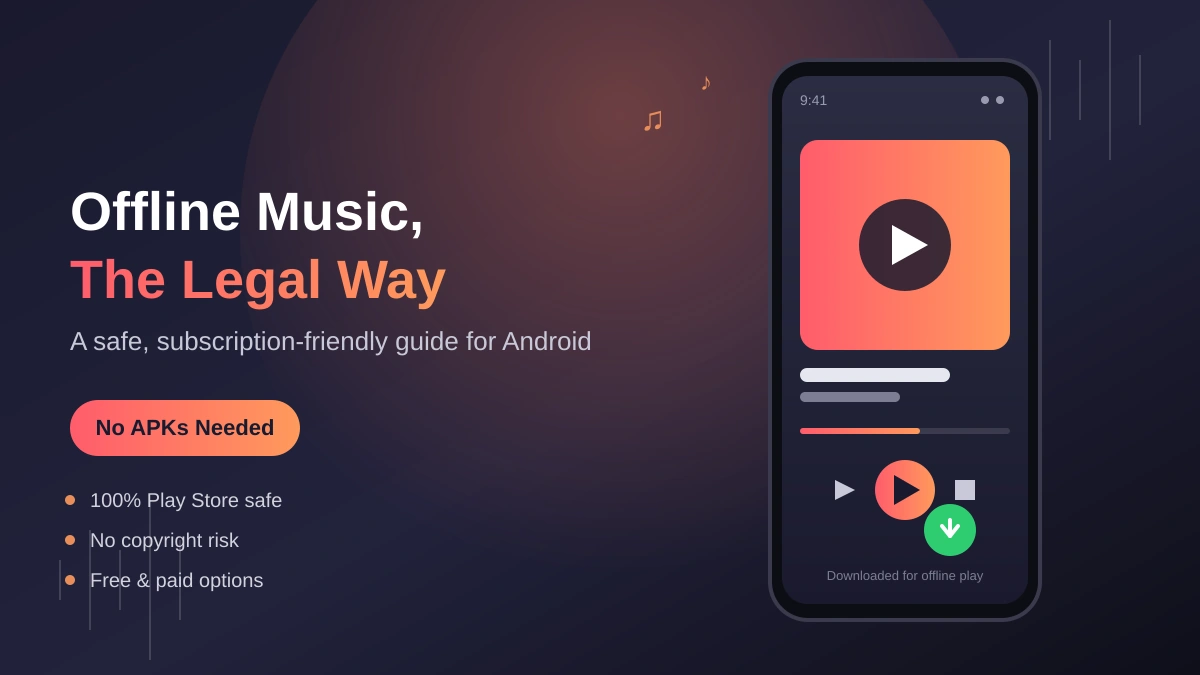
You’re on the bus, the subway loses signal, and your data plan is already crying for mercy. You just want the song that’s been stuck in your head to keep playing. If you’ve been searching for a way to get YouTube offline Music on Android, the instinct a lot of people reach for is a “YouTube to MP3” app — but those tools sit in a legal gray zone at best, and at worst they’re bundled with ad-injectors that make your phone miserable to use.
The good news: you don’t need any of that. Between YouTube’s own offline tools, YouTube Music’s download feature, and a handful of genuinely free and legal sources, most people can build a solid offline listening setup in about ten minutes. This guide walks through all of it — what’s free, what costs money, and what to use depending on how you actually listen to music.
Use this YouTube to MP3 converter tool for free, fast downloads.
Quick answer
The only fully legal way to save YouTube audio for offline playback is through an official YouTube app — YouTube Music Premium or YouTube Premium — both of which let subscribers download tracks and videos for offline listening inside the app. If you don’t want to pay anything, Creative Commons and public-domain tracks, along with artists’ own official download links, can be saved as real MP3 files with no subscription and no legal gray area.
Why “YouTube to MP3” converters are riskier than they look
Before getting into the alternatives, it’s worth being clear about why converter apps are a problem in the first place — not to lecture, just so the trade-off is obvious.
YouTube’s Terms of Service prohibit pulling content off the platform through anything other than an official download feature, and most of the audio on YouTube is copyrighted, so extracting it as an MP3 without permission is technically a copyright infringement, not just a ToS violation. On top of the legal angle, converter APKs live outside the Play Store, which means Google Play Protect isn’t screening them, and a lot of them are known for aggressive ad injection or bundled software you never agreed to install.
None of that means every person using one of these tools is doing something malicious — plenty of people just want a song for a long flight. But it does mean there’s real downside (account flags, malware, low audio quality) for something that legitimate tools now handle just as easily, often for free.
Option 1: YouTube Music — the closest thing to a direct replacement
If your main goal is offline music specifically, YouTube Music is the tool built for exactly that job, and it pulls from the same catalog YouTube itself uses.
How it works:
- Open the YouTube Music app and find the song, album, or playlist you want.
- Tap the three-dot menu next to the track (or the download icon on an album/playlist page).
- Select Download. The track saves in the app’s own offline library — playable anytime, no data required.
Cost: YouTube Music Premium runs about $11.99/month in the US as of mid-2026. It’s bundled at no extra cost with a full YouTube Premium subscription.
Worth knowing: downloaded tracks stay inside the YouTube Music app — you can’t pull them out as standalone MP3 files to move to another player or device. For most people who just want music on their phone, that’s a non-issue. If you specifically need portable MP3 files for a car stereo or an old iPod, this isn’t the tool for that (see Option 3 below).
Option 2: YouTube Premium — offline video and music, ad-free everywhere
YouTube Premium is the bigger bundle: it includes everything YouTube Music Premium offers, plus ad-free video across the whole platform, background play, and offline downloads for regular YouTube videos too (not just Music content).
Current US pricing (as of June 2026, following YouTube’s latest round of price increases):
| Plan | Price/month | What you get |
|---|---|---|
| Individual | $15.99 | Ad-free YouTube + YouTube Music, offline downloads, background play |
| Family (up to 6 members) | $26.99 | Same as Individual, shared across a household |
| Student | $8.99 | Same as Individual, with valid enrollment verification |
| Premium Lite | $8.99 | Ad-free on most non-music videos, offline downloads, background play — but no YouTube Music and ads still appear on music content |
A quick clarification since it trips people up: Premium Lite added offline downloads and background play in February 2026, but that only applies to regular videos — music videos and YouTube Music streaming still show ads on Lite, and Lite doesn’t include the YouTube Music app’s offline library. If music is the priority, you want full Premium or standalone YouTube Music Premium, not Lite.
Good to know: Google periodically runs discounts — for example, some Google One subscribers got 50% off a year of Premium in spring 2026. It’s worth checking your Google One or Google AI Pro account before paying full price. Also, downloaded content stops working once your subscription lapses, so think of it as “offline while subscribed,” not a permanent download.
Option 3: Free and fully legal — Creative Commons, public domain, and official downloads
If you don’t want a subscription, there’s a real category of YouTube content you can legally save as an actual MP3 file, no gray area involved.
- Creative Commons–licensed videos. Use YouTube’s search filters (Filters → Creative Commons) to find videos whose creators have explicitly allowed reuse, often including audio extraction, as long as you follow the license terms (usually attribution).
- Public domain music and recordings. Classical performances, older recordings whose copyright has expired, and similar works can be freely downloaded and converted. Sites like the Internet Archive’s audio library and IMSLP are good starting points.
- Artists’ own official links. A growing number of independent musicians post direct MP3 or WAV downloads on Bandcamp, SoundCloud (via the artist’s own “download” button), or their personal sites — often for free or “name your price.” If you found the song on YouTube first, search the artist’s name plus “Bandcamp” or “official download” before assuming YouTube is the only source.
- Your own uploads. Anything you created and uploaded yourself is fair game to convert however you like — it’s your content.
This route takes a bit more digging than typing a URL into a converter, but it’s the only option here that gives you a portable, DRM-free MP3 file with zero legal risk.
Option 4: Free-tier workarounds that don’t need a subscription
A few legitimate options sit between “pay for Premium” and “hunt for Creative Commons tracks”:
- YouTube Music’s free, ad-supported tier lets you stream (not download) music for free, with ads between tracks — useful if you have signal but want to avoid data caps by streaming at a lower quality setting.
- Podcast and lecture content that creators distribute through RSS feeds or dedicated podcast apps (Spotify, Apple Podcasts, Pocket Casts) is usually downloadable for offline listening natively and legally, which covers a lot of the “I want this audio offline” use case people associate with YouTube.
- Offline maps and playlists for flights or commutes: if the real goal is “something to listen to when I have no signal,” a free Spotify or YouTube Music trial timed around a trip, combined with public-domain audiobooks or podcasts, often solves the problem without any conversion at all.
Which option should you actually use?
| Your situation | Best option |
|---|---|
| I mainly want offline music on my phone | YouTube Music Premium ($11.99/mo) |
| I watch a lot of YouTube video too, and want it ad-free | YouTube Premium ($15.99/mo) |
| I’m a student | YouTube Premium Student plan ($8.99/mo) |
| I don’t want to pay anything | Creative Commons / public domain sources, or artist direct downloads |
| I need real MP3 files for a car stereo or old device | Public domain sources or artist official downloads — not YouTube Music (files stay in-app) |
| I just want ad-free video, not music | Premium Lite ($8.99/mo) — but note it won’t cover music downloads |
READ MORE: How to Convert YouTube to MP3: A Safe, Legal Guide for 2026
FAQs: YouTube Offline Music on Android
Is it illegal to convert YouTube videos to MP3?
For copyrighted content you don’t own or have permission to use, yes — it typically violates both YouTube’s Terms of Service and copyright law. Exceptions exist for your own uploads, Creative Commons–licensed videos, and public domain works.
Can I download YouTube Music songs as MP3 files?
Not directly. YouTube Music Premium and YouTube Premium let you download songs for offline playback, but the files stay inside the app and aren’t exported as standalone MP3s you can move to other devices.
What’s the cheapest legal way to get offline YouTube music?
The Student plan ($8.99/month, with valid verification) is the cheapest paid route to full offline music access. For a completely free option, Creative Commons and public domain tracks can be legally downloaded as real MP3 files with no subscription at all.
Does YouTube Premium Lite include offline music downloads?
No. Premium Lite ($8.99/month) added offline downloads and background play for regular videos in February 2026, but music videos and YouTube Music streaming still show ads, and Lite doesn’t include the YouTube Music offline library.
Is there a free trial of YouTube Premium or YouTube Music?
Yes, both typically offer a free trial period (commonly one month), which is a reasonable way to stock up on offline downloads for something like a flight or a trip with limited connectivity before deciding whether to keep the subscription.